
Blog
✅ Full On-Page SEO Course (Beginner to Advanced)

NITY CHOUDHARY
· 4 min read
Goal: Help students master the techniques of optimizing web pages for better search rankings, user experience, and conversions.
📦 MODULE 1: Introduction to On-Page SEO
🔹 Lesson 1.1 – What is On-Page SEO?
On-page SEO means optimizing individual web pages so they rank higher in search engines and attract relevant traffic.
🧠 Includes:
- Content optimization
- HTML tags
- Internal linking
- Page experience

🔹 Lesson 1.2 – Difference Between On-Page, Off-Page, and Technical SEO
| Type | Focus | Example |
| On-Page | Content + structure | Title tags, keyword use |
| Off-Page | External trust | Backlinks, social sharing |
| Technical | Website backend | Site speed, mobile-friendliness |
📑 MODULE 2: Keyword Research for On-Page SEO
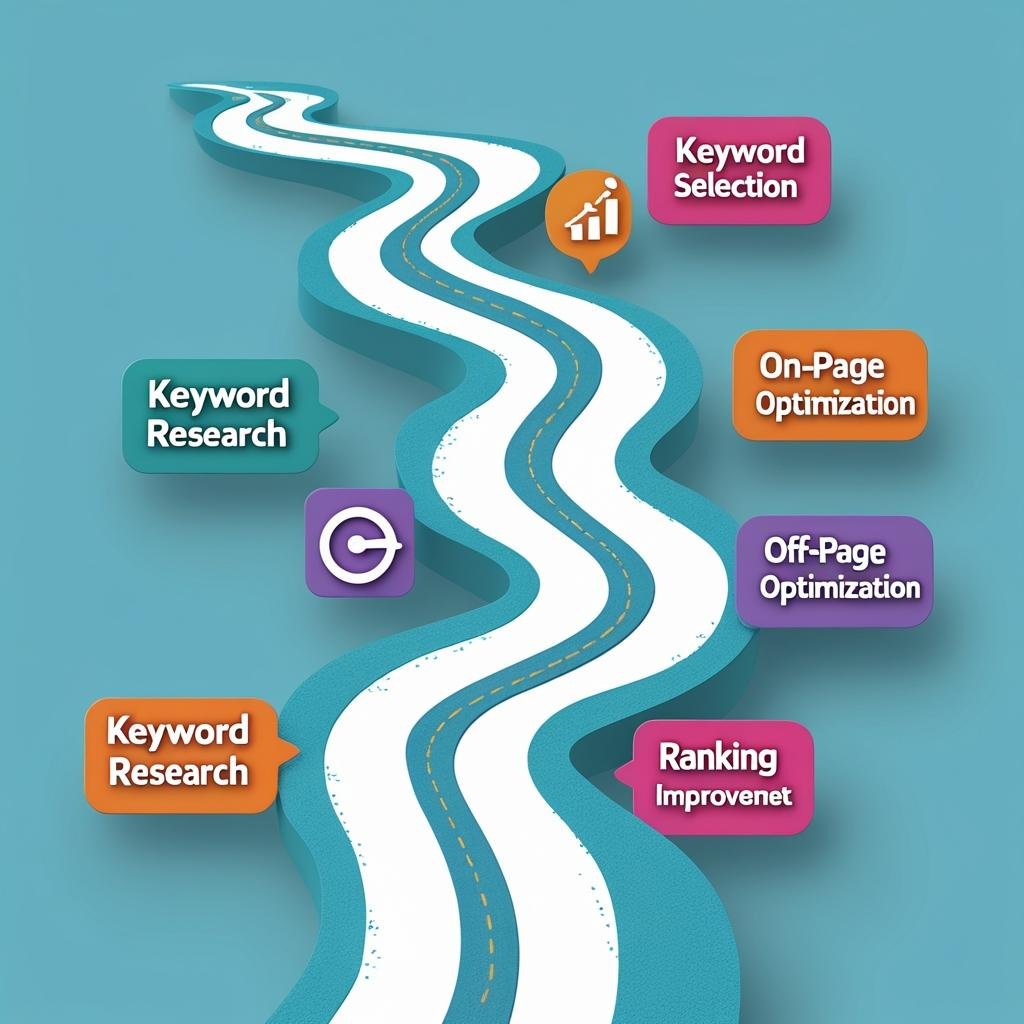
🔹 Lesson 2.1 – Finding the Right Keywords
Use tools like Ubersuggest, Ahrefs, or Google Keyword Planner.
🧠 Target:
- High volume
- Low competition
- Buyer intent
📘 Example:
Instead of targeting “shoes,” use “best running shoes for flat feet.”
🔹 Lesson 2.2 – Keyword Intent Types
| Intent | Meaning | Example Keyword |
| Informational | Seeks knowledge | “How to clean sneakers” |
| Navigational | Seeks brand/page | “Nike official site” |
| Transactional | Seeks to buy | “Buy waterproof running shoes” |
🔹 Lesson 2.3 – Keyword Placement
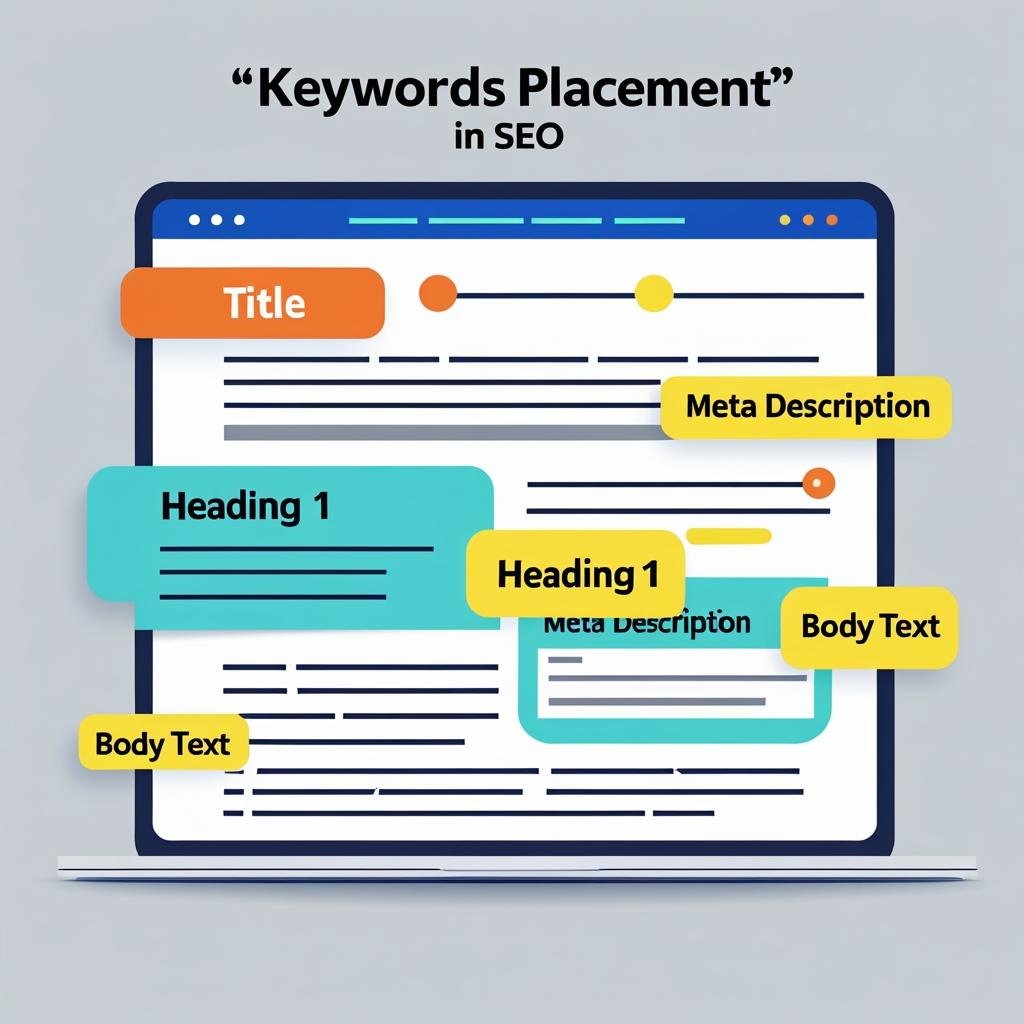
Place your target keyword in:
- Page title
- URL
- Meta description
- H1 tag
- First 100 words
- Image alt text
📘 Example: If your keyword is “best DSLR for beginners,” place it naturally in the content & tags.
🏗️ MODULE 3: Optimizing Page Titles & Meta Descriptions
🔹 Lesson 3.1 – SEO-Friendly Title Tags
A title tag is what shows up in search results.
✅ Include primary keyword
✅ Keep it under 60 characters
✅ Add a benefit or curiosity
📘 Example:
“Best DSLR Cameras for Beginners in 2025 | Top Picks & Reviews”
🔹 Lesson 3.2 – Writing Compelling Meta Descriptions
This appears under your title in Google. Not a ranking factor, but it affects clicks.
✅ 140–160 characters
✅ Use keyword + CTA (call to action)
📘 Example:
“Discover the best DSLR cameras for beginners. Read reviews, compare prices & find your perfect match today!”
📋 MODULE 4: Headings & Content Structure
🔹 Lesson 4.1 – Using H1, H2, H3 Tags
Headings organize your page for both users & Google.
- H1 = main title (only 1 per page)
- H2 = main sections
- H3 = sub-sections
📘 Example:
html
CopyEdit
<h1>Best Budget Laptops in 2025</h1>
<h2>Under ₹30,000</h2>
<h3>Top Picks</h3>
🔹 Lesson 4.2 – Content Length & Depth
Longer content ranks better if it’s valuable. Aim for 1000–2500 words.
📘 Example: “How to Start a Blog in 2025” should be an in-depth guide with screenshots, tips, and tools.
🔹 Lesson 4.3 – Use of Synonyms & LSI Keywords
Google understands related terms (not just exact matches).
📘 Instead of repeating “weight loss tips,” also use:
- fat loss
- healthy diet
- fitness routines
Use tools like LSI Graph or Semrush for suggestions.
🖼️ MODULE 5: Image SEO
🔹 Lesson 5.1 – Image Optimization Basics
- Compress images (use TinyPNG)
- Use descriptive file names: green-running-shoes.jpg
- Add alt text for screen readers & SEO
📘 Example Alt Text:
“Nike green running shoes for men”
🔹 Lesson 5.2 – Lazy Loading & WebP Format
- Lazy loading = Images load only when viewed
- WebP = modern image format for faster loading
📘 Example Tools:
- WordPress: Use WP Rocket or LiteSpeed
- Format with ShortPixel or Imagify
🔗 MODULE 6: Internal Linking & URL Optimization
🔹 Lesson 6.1 – Internal Links
Link to other useful pages within your site.
✅ Use anchor text with keywords
✅ Link to high-performing or related content
📘 Example:
“In our complete SEO checklist, you’ll find…”
🔹 Lesson 6.2 – Clean & SEO-Friendly URLs
✅ Keep short, descriptive, and lowercase
✅ Use hyphens (-), not underscores (_)
✅ Add keywords
📘 Example:
❌ yoursite.com/page-id=1234
✅ yoursite.com/seo-tools-2025
📲 MODULE 7: User Experience & Mobile Optimization
🔹 Lesson 7.1 – Mobile-Friendly Design
Most users search on mobile → your site must work well on small screens.
📘 Use Google’s Mobile-Friendly Test
📘 Use responsive design (WordPress themes, Elementor)
🔹 Lesson 7.2 – Page Speed Optimization
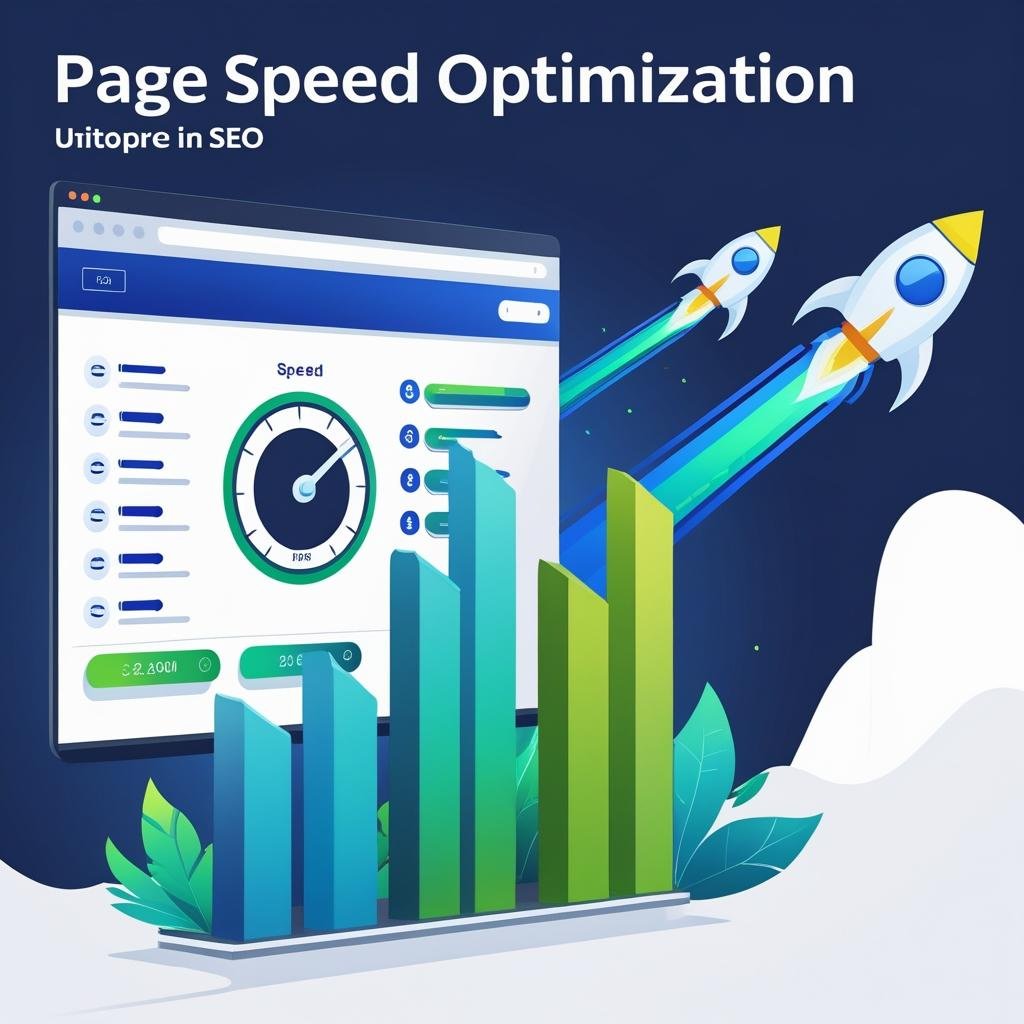
Fast sites rank better.
✅ Compress images
✅ Use caching plugins (WP Rocket)
✅ Use CDN (Cloudflare)
✅ Avoid too many popups
Test with Google PageSpeed Insights or GTmetrix.
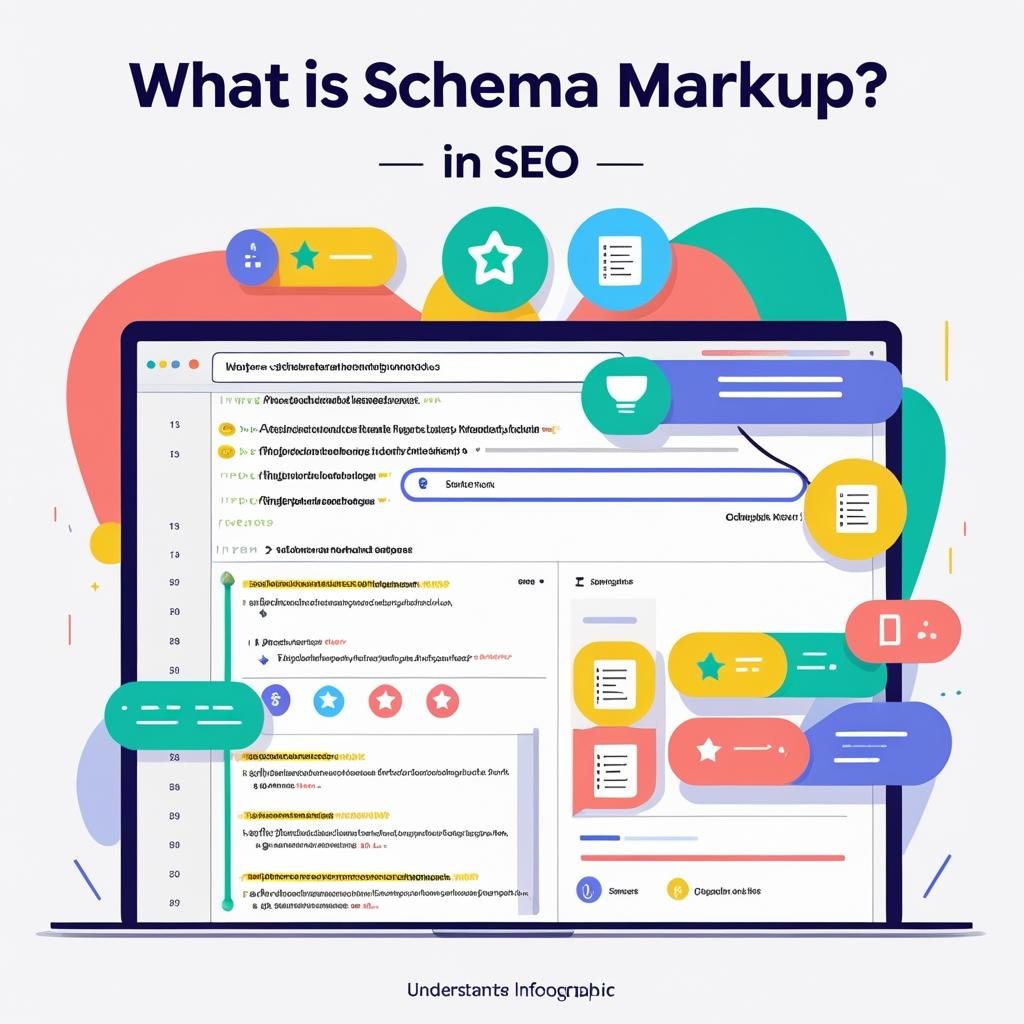
🧼 MODULE 8: Schema & Structured Data
🔹 Lesson 8.1 – What is Schema Markup?
Schema helps Google understand your content type: recipe, product, FAQ, etc.
📘 Example: Product Schema adds ⭐⭐⭐⭐ ratings in search.
Use tools like:
- Schema Pro (plugin)
- Google’s Rich Results Test
📊 MODULE 9: Content Audit & Optimization
🔹 Lesson 9.1 – Content Audit Checklist
✅ Outdated info?
✅ Missing keywords?
✅ Broken links?
✅ Thin content?
Use tools:
- Screaming Frog
- Surfer SEO
- Google Search Console
🔹 Lesson 9.2 – Content Refreshing
✅ Update headlines
✅ Add recent stats
✅ Include FAQs
✅ Improve readability
📘 Google loves fresh content that adds new value.
🎓 MODULE 10: Practice Project + Certification
🧪 Final Project:
- Choose 1 blog post or page
- Optimize: title, meta, images, headings, content, internal links
- Submit before/after comparison
🏆 Certificate:
Get a certification on successful quiz completion + project submission.
🔚 BONUS CHECKLIST (Summary)
✅ Keyword research
✅ Title & meta
✅ H1-H3 tags
✅ Keyword in first 100 words
✅ Internal links
✅ Image optimization
✅ Mobile-friendly
✅ Fast loading
✅ Schema
✅ Update old posts
Work with ViniSocial
Need content like this for your brand?
We build digital marketing, social programs, and AI-assisted content systems that stay on-brand.
Talk to ViniSocial